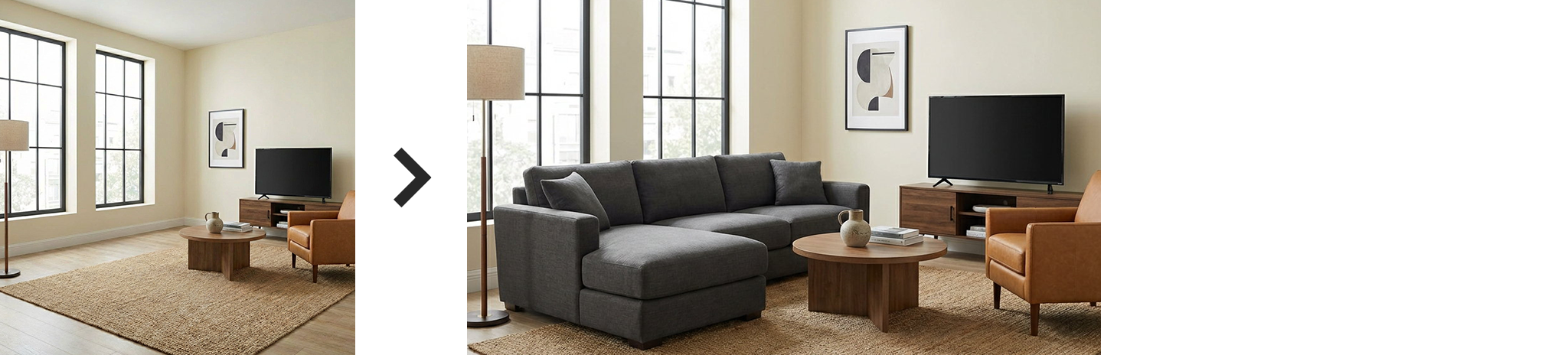
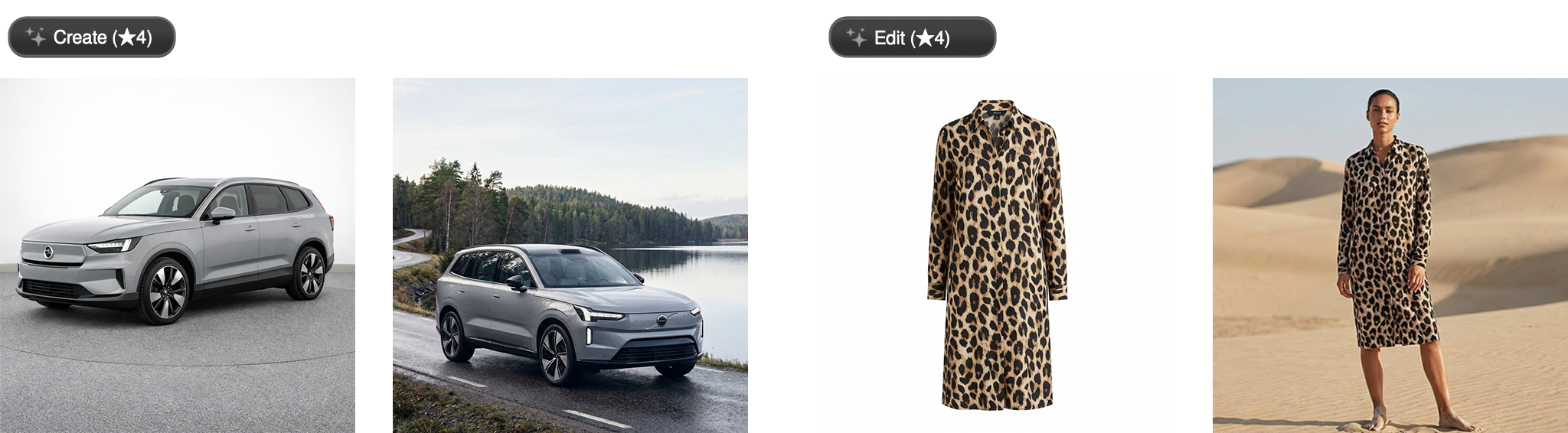
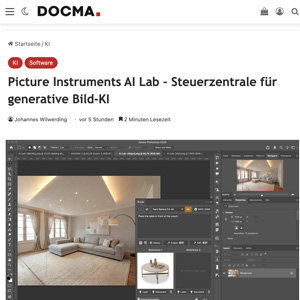
AI Lab brings leading AI image models into one desktop workspace. Prepare prompts and reference images, compare results directly, and edit individual images or entire batches – without working through lengthy chat histories.
A single image is easy to generate in a chat. For everyday image work, you need a clearer overview. AI Lab Standalone gives you a visual workspace:
Keep track of variations and image quality in one place.
All generated images, references, and prompts are stored directly on your hard drive. Nothing is hidden in a cloud session, nothing tied to a browser.
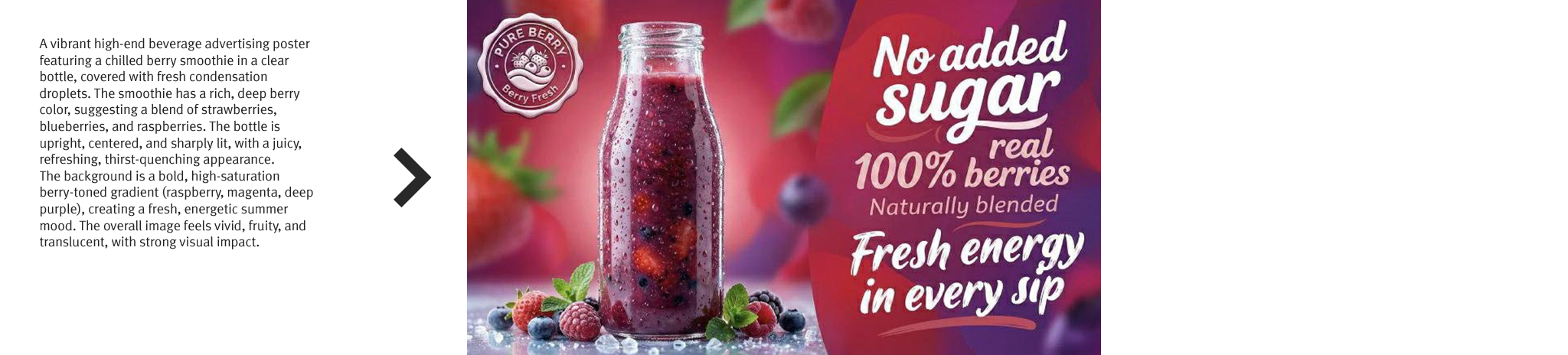
Use prompts, image references and annotations to define precisely what AI should create or change:
Reach the result you want with less trial and error.
This keeps full control over what is sent to the AI at all times.
With Batch Editing, you can apply one or more prompts to multiple source images. Set aspect ratios, AI models and reference images for each tab. All images are processed in parallel.
Optionally, results can be sent directly to Photoshop, including very old Photoshop versions.
The same tokens work in both the Standalone workspace and the Photoshop UXP plugin.
Are my images used for training purposes when I use AI Lab?
Are AI-generated images created locally on my computer?
All assets and generated images are immediately stored locally on your computer. However, for the actual image generation, the images must be sent to the respective AI providers.
Can I edit multiple images at once with AI?
Yes. With AI Lab, you can select any number of images and edit them using one or multiple prompts. Images are processed in parallel, allowing you to handle even larger image batches quickly.
Can I apply different prompts to an entire batch of images?
Yes. Using multiple tabs, you can prepare different prompts, AI models, aspect ratios and reference images and apply them to the same selection of images.
Is AI Lab suitable for editing product photos with AI?
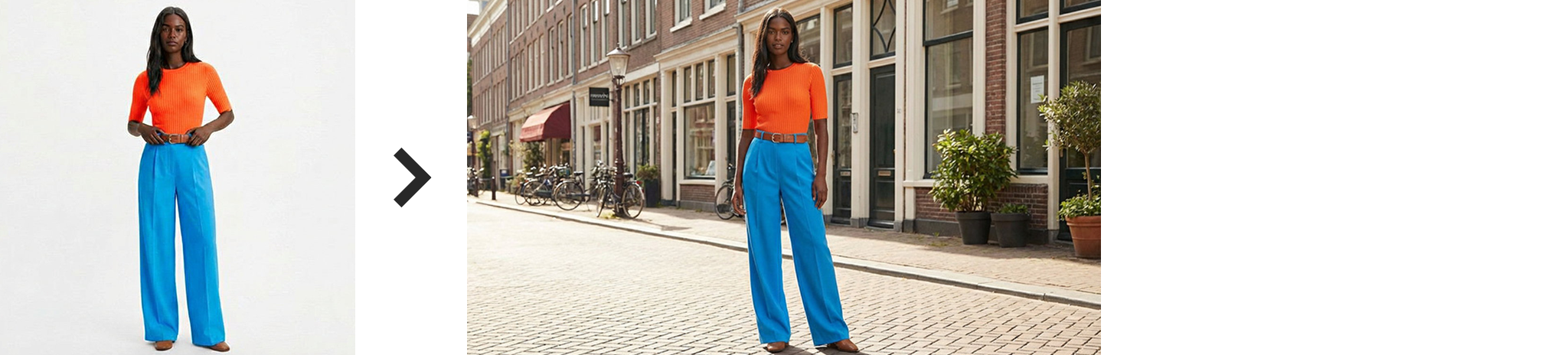
Yes. You can create e-commerce image sets, present products in different environments, change backgrounds or retouch entire image batches.
Do I need a node-based editor or an automation tool for AI batch editing?
No. With AI Lab, you prepare your prompts directly in the user interface, select the images you want to edit and start parallel processing.
Can I keep the original aspect ratio when batch editing images?
Yes. "Edit Original" preserves the aspect ratio of each source image. Alternatively, "Edit to Ratio" uses the aspect ratios configured in your tabs.
In which resolution are my images generated?
That depends on the selected model. 1K models generate approximately 1 million pixels, 2K models around 4 million pixels and 4K models approximately 16 million pixels. The exact resolution also depends on the selected aspect ratio.
Can I also edit images larger than 4K?
Yes. In this case, it is best to work with a selection. As long as the edited area is not larger than 4K, there is usually no loss in quality.
Can I share my saved prompts and templates with colleagues?
Yes. You can find your prompts including embedded reference images via the folder icon in your prompt library and easily share them.
Do I need a powerful GPU or a high-end computer?
No. The actual image generation runs on the servers of the AI providers. AI Lab handles the local organization, preview and workflow.
Does AI Lab work offline?
No. An internet connection is required for AI generation because the images need to be sent to external AI services. However, you can still use AI Lab offline for viewing images, preparing prompts and making brightness, saturation and contrast adjustments.
Can I edit existing images instead of only generating new ones?
Yes. You can use existing images as references, edit the entire image or selectively edit individual parts of an image.
Can I edit only specific areas of an image?
Yes. Using the selection feature, you can edit only the selected area. The rest of the image remains untouched.
Can I generate multiple variations at the same time?
Yes. You can generate multiple variations of an image simultaneously and compare them directly. You can also vary the prompts, the AI model and the aspect ratio if you want.
Why do results differ even when using the same prompts?
AI image generators are not fully deterministic. Therefore, even identical prompts can produce different results.
Why do some generations take longer than others?
The speed depends on the selected model, the image resolution and the current workload of the respective AI provider.
Can I use my own reference images?
Yes. You can use any images as style, subject or composition references.
Can I use AI Lab commercially?
Which image formats are supported?
AI Lab always saves the generated result image as jpg. However, the following formats can be opened:
png, jpg, jpeg, jif, jpe, gif, bmp, tif, tiff, psd, tga, targa, jp2, j2k, j2c, ico, hdr, cut, dds, exr, g3, iff, lbm, jng, jxr, wdp, hdp, koa, mng, pbm, pcd, pcx, pfm, pgm, pct, pict, pic, ppm, ras, sgi, wap, wbmp, wbm, webp, xbm, xpm
Are my projects automatically saved?
Yes. Prompts, reference images and generated results are stored locally on your computer and remain available even after restarting the software or cancelling your subscription.
Can I use AI Lab together with Photoshop?
Yes. AI Lab Standalone has an interface for Photoshop, allowing you to conveniently send images back and forth. In addition, there is the AI Lab UXP Photoshop plugin, which integrates natively into Photoshop after installation.
What happens to my images and prompts after cancelling my subscription?
All images and prompts remain stored locally on your hard drive. You can access them at any time, even after your subscription has ended.